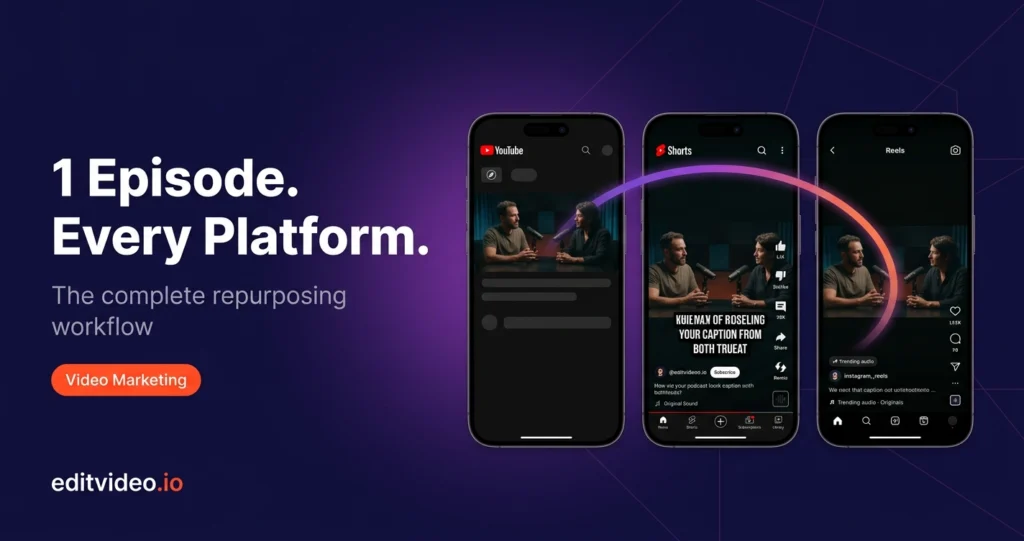
You recorded a great podcast episode. Now what? If your answer is "upload it and hope for the best" — you are leaving the majority of its value on the table. A single podcast episode contains enough content to fuel an entire week of posts across YouTube, Instagram, and TikTok. This guide walks you through exactly how to make that happen — step by step, platform by platform.
Why Repurposing Your Podcast into Video Is Non-Negotiable in 2026
Long-form conversations are not how most people discover new content. They are how existing fans go deeper. If you only publish your full episode, you are only reaching people who already know you.
Short-form video is where discovery happens. TikTok, Instagram Reels, and YouTube Shorts collectively reach billions of users daily — and a 30-second clip that resonates can introduce your podcast to thousands of potential new listeners who would never have found you otherwise.
The podcasters growing fastest right now are not just making great episodes — they are systematically repurposing that content for short-form platforms. One recording session. Ten pieces of content. That is the playbook.
What You Need Before You Start
Before jumping into the workflow, make sure these three things are in place:
- A publishing plan — decide when, where, and in what order you post your repurposed content. Teaser reels before the full episode drops, Shorts after, full YouTube video as the anchor.
- Your source file — the raw podcast video or audio recording that will be edited and repurposed. The higher the quality of this file, the better everything downstream looks.
- An editing partner — whether that is software you use yourself or a dedicated podcast video editing service that handles the entire workflow for you.
If editing is eating into your recording and guest time, it is worth considering a done-for-you service. At Editvideo.io, our video podcast editing service handles everything from the full episode edit to clip repurposing — so you focus on the conversations, not the timeline.
Step-by-Step: From One Episode to Multi-Platform Content
Edit Your Source File
Before anything gets repurposed, your raw recording needs to be cleaned up. This means removing long pauses, repeated thoughts, filler words, and anything that slows the pace. A tight, clean source file makes every downstream format better.
- Cut dead air and "umms" that break the flow
- Balance audio levels across all speakers
- Remove background noise and room echo
- Add any B-roll, lower thirds, or guest name graphics
Create Your Long-Form YouTube Video
Your full YouTube episode is the content hub — everything else links back to it. This is where you invest the most in production quality because it is the version that builds authority and search rankings over time.
- Add a brief intro (30–60 seconds) introducing the guest or topic
- Add timestamps if the episode covers multiple topics — YouTube uses these for chapter navigation and SEO
- Add an outro with a clear call to action — subscribe, watch next, or visit your website
- Add a slow zoom or camera movement to keep a static talking-head feel dynamic
- Export in 16:9 at 1080p minimum
Clip YouTube Shorts
Once your full episode is finished, scan it for the best 60-second moments. These are the segments that can stand alone — bold statements, surprising insights, punchy exchanges, or moments where the energy spikes.
- Hook within the first 3 seconds — start mid-sentence or mid-thought if needed
- End on a cliffhanger when possible — this drives viewers to watch the full episode
- Aim for 30–60 seconds — this length gets the best Shorts algorithm boost
- Export in 9:16 vertical at 1080x1920
- Pull 2–3 Shorts minimum from every episode
Adapt for Instagram Reels
Your YouTube Shorts can be repurposed directly as Instagram Reels with minor tweaks. The format is identical — 9:16 vertical — but Instagram rewards slightly different things: trending audio, hashtags, and a strong text hook at the start.
- Keep each clip focused on a single idea or question
- Add captions — 85% of Reels are watched on silent
- Layer a trending audio track if the clip does not have strong natural sound
- Add a text prompt directing viewers to your full episode in the caption
- Use 3–5 relevant hashtags — not 30
Platform Specs at a Glance
| Platform | Format | Resolution | Max Length | Key Priority |
|---|---|---|---|---|
| YouTube (Full) | 16:9 | 1920x1080 | Unlimited | Watch time + SEO |
| YouTube Shorts | 9:16 | 1080x1920 | 180 sec | Hook + retention |
| Instagram Reels | 9:16 | 1080x1920 | 90 sec | Audio + captions |
| TikTok | 9:16 | 1080x1920 | 60 sec | Hook within 1 sec |
Don't Want to Edit Any of This Yourself?
Our dedicated video podcast editing service handles the full episode, the Shorts, the Reels — everything. You record. We deliver.
14-day money-back guarantee · No contracts · Plans from $295/mo
5 Mistakes That Kill Repurposed Podcast Content
❌ Overediting
What makes podcasts compelling is their raw, conversational energy. Over-polishing with too many transitions strips that away. Keep it clean — not mechanical.
❌ Weak Hooks
If your clip starts with "So today we're going to be talking about..." you've already lost. Lead with the punchline, the question, or the most provocative moment.
❌ Platform Mismatches
Posting a 16:9 landscape video on Instagram Reels will be letterboxed and ignored. Every platform needs its own correctly formatted version.
❌ No Context
A random clip of a conversation with no text overlay or caption is confusing. Add a short headline or text hook so viewers instantly understand what they're watching.
❌ Skipping Captions
Most people watch social video on silent. Without accurate captions your content is invisible to the majority of your potential audience.
❌ No Link Back
Every short clip should direct viewers to the full episode. Without this, you're building views for the platform — not listeners for your show.
The Real Bottleneck: Editing Takes Longer Than Recording
Here is the honest truth about podcast repurposing — the workflow above works, but it is time-consuming. Editing a full episode, pulling 3 Shorts, formatting for Reels, adding captions to everything — that is easily 6–10 hours per episode. For most podcasters, that is more time than the recording itself took.
This is exactly why the fastest-growing podcasters do not edit their own content. They hand the raw recording to a dedicated editor and get back a polished full episode plus platform-ready clips — delivered in 24–48 hours.
Take Chase Yokoyama as an example — he built his channel to 19,400 subscribers and 3 million views without editing a single video himself. Every piece of content went through a dedicated editor. His only job was to record great conversations.
That is the system. You build the show. Someone else handles the production.
One Episode. Every Platform. Zero Editing.
Editvideo.io's dedicated podcast editors handle your full episode, your Shorts, your Reels — formatted and ready for every platform. You just hit record.
14-day money-back guarantee · No contracts · Plans from $295/mo