Twitter/X Video Editing: What Actually Works on a Text-First Platform
When you open X, you don't show up with the same viewing mindset you'd bring to TikTok, Instagram, or YouTube. Your video is competing with a text-heavy feed of quotes, news, images, and an endless stream of tweets, so X video editing needs a slightly different approach than every other platform.
In this guide, we'll break down the video editing practices that actually work on a text-first platform like X.
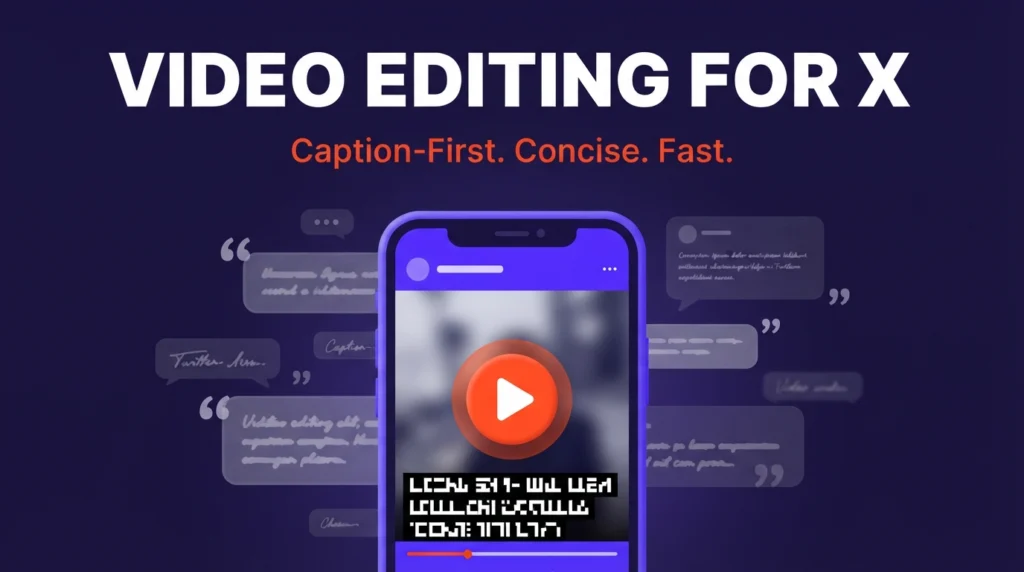
X rewards concise, caption-first clips over visually flashy edits. Since autoplay strips audio by default, captions carry the video. Keep it short, lead with a hook in the first three seconds, and choose your aspect ratio based on content type rather than defaulting to vertical.
Effective X Video Editing Strategies
On X, videos and tweets go hand in hand. Unlike Instagram and TikTok, which prioritize visually dynamic content, X's algorithm favors concise, discussion-driven clips. Video performance here comes from two sources: active engagement (likes, replies, retweets) and passive views (plays of at least 2 seconds, or a viewer tapping to unmute or go full screen). Here's how to edit for both.
Prioritize Captions and Text Overlays
On X, your visuals alone need to communicate. That doesn't mean cutting the audio entirely, but autoplay means most viewers will encounter your clip muted. Captions aren't just an accessibility feature here, they're an integral part of the video.
- Use simple sans-serif fonts
- Keep captions high-contrast against the background
- Edit long sentences down instead of transcribing every word
- Keep captions away from the frame edges
Optimize Length for Quick Consumption
The shorter the video, the easier it is to consume. X's own organic video guidance recommends keeping clips under 15 seconds, though standard users can upload up to 140 seconds. There's no single ideal duration, but these ranges are a useful starting point:
| Length | Best For |
|---|---|
| 6 to 15 seconds | Punchy visual memes, short ads, or announcements |
| 15 to 30 seconds | Product demos or clips needing a short explanation |
| 30 to 60 seconds | Repurposed podcast clips, educational or informational videos |
| 60 to 140 seconds | Conversation excerpts or mini tutorials |
Deliver a Concise Message
Your goal on X is to interrupt scrolling, not deliver an exhaustive video. Cut long greetings, repeated context, and background explanation that belongs in the post copy instead. Concise doesn't mean rushed, it means saying what you need to say in the least amount of time possible. One structure that works well:
- Hook: grab attention in the first three seconds with a claim, problem, or question
- Context: give a precise background
- Proof: provide the necessary example or explanation
- Payoff: reveal the answer
Use Attention-Grabbing Thumbnails
A thumbnail on X matters as much as on any other platform. Autoplay might make it feel unnecessary, but your click-through rate suffers without one, your media shows up in search results, shared links, and anywhere autoplay is disabled. An effective X thumbnail has one recognizable subject and one obvious idea: a clear face, a product, a short statement, or a before/after frame.
Editing Videos Based on Content Type
The video that drives the most engagement is the one your audience resonates with most. There's no single format guaranteed to perform, but matching your editing approach to the content type improves your odds. This is also where X diverges most from other platforms, compare it to how LinkedIn video editing takes a different approach entirely.
Informative & Educational
These require the least post-production. The key is avoiding a miniature lecture: open with a 3-second hook, focus on one idea, use high-contrast captions, cut filler words and pauses, and reinforce with B-roll or graphics.
User-Generated Content
Unpaid reviews, testimonials, and storytelling perform well on X thanks to hashtags. Keep editing basic to preserve authenticity: 9:16 vertical, clean cuts, audio correction, trimmed repetition, readable captions, and pauses removed.
Entertaining & Relatable
Workplace humor, short skits, reaction videos, unexpected outcomes, and behind-the-scenes content all work here, and engagement isn't tied to duration. These can often be repurposed directly from Instagram and TikTok.
Repurposing Video For X
Platform-native posting is rewarded most on X, but content from other platforms can absolutely be adapted. Since X supports multiple aspect ratios, reframing one video for multiple platforms is more manageable than it sounds. Vertical video performs well since most viewing happens on mobile, but X isn't an exclusively vertical environment, choose your frame based on content:
- 9:16 for user-generated content and talking-head shots
- 1:1 or 4:5 for content that mixes images and footage
- 16:9 for product demos, wide shots, or podcast and YouTube clips
Beyond reframing, remove platform watermarks before reposting, they make your content look unprofessional and hurt credibility. Download the raw footage directly and use editing tools or a video editing service like editvideo.io to tailor content for X's algorithm rather than reposting a watermarked repost.
Want Your X Clips Edited by a Dedicated Human Editor?
A dedicated editor learns your platform mix, not just X, so your captions, pacing, and frame choices stay consistent everywhere you post.
See Pricing →FAQs
What are common X video editing mistakes?
Editing that works for TikTok, YouTube Shorts, or Instagram Reels doesn't always translate, X's feed behaves differently. The most common mistakes: slow or long intros, relying on audio, skipping a clear hook, ignoring the thumbnail, and placing captions too close to the frame edges.
What software is recommended for X video editing?
Adobe Premiere, DaVinci Resolve, Descript, and CapCut are all popular choices for editing and repurposing X content. Descript and CapCut in particular lean on AI-assisted editing tools to speed up captioning and reframing.
What video aspect ratios are supported on X?
X supports vertical (9:16), landscape (16:9), portrait (4:5), and square (1:1) video. The right ratio depends on your source footage and the type of content you're uploading.