Most scripting guides teach you how to write a script that sounds good — strong hook, clear structure, a satisfying close. That advice is fine, and you should still follow it.
But there's a second audience for your script that almost nobody writes for: the person editing it. And how you write for that audience determines whether your video gets cut in one smooth pass or bounces through three rounds of "wait, what did you mean by this part?"
of unplanned revision rounds are caused by vague, unstructured, or late feedback — most of which traces back to a script that didn't give the editor enough to work with in the first place.
If you outsource your editing — to a freelancer, an agency, or a dedicated editor — your script is the single biggest lever you control over how fast and how clean that edit comes back. Write it one way, and your editor makes confident decisions on the first pass. Write it another way, and you're the reason for the delay, even though it feels like the editor is "just slow."
Here's how to write a script that gets cut fast, on the first try, regardless of who's editing it.
Why Most Scripts Slow Editors Down
A script is usually written to be read — by you, on camera, or by your audience as captions. It's rarely written to be executed — with timing cues, visual direction, and pacing notes an editor can act on without guessing.
A script with clear visual cues built in shortens that ramp-up — your editor isn't guessing what you meant, they're executing what you wrote. The clearer the brief, the fewer rounds it takes to get there.
The Two Things Editors Actually Need From a Script
1. Timing and Pacing Cues
A script that's just dialogue, with no sense of where pauses, beats, or pace changes should happen, forces your editor to invent the pacing themselves — and then revise it when it doesn't match what was in your head.
Without pacing cues
"So that's basically how the whole system works, and once you get it, it's actually pretty simple."
With pacing cues
"So that's how the whole system works. [BEAT] And once you get it... [PAUSE] it's actually pretty simple."
2. Visual and B-Roll Direction
If your script doesn't say what should be on screen at any given moment, your editor either guesses (and gets it wrong) or asks you (and now you're in a back-and-forth that delays delivery). Marking visual intent directly in the script removes that entire loop.
Without visual direction
"This is where a lot of creators go wrong, they think more content equals more growth."
With visual direction
"This is where a lot of creators go wrong [B-ROLL: messy upload calendar / burnt-out creator clip], they think more content equals more growth."
A Simple Tagging System That Works With Any Editor
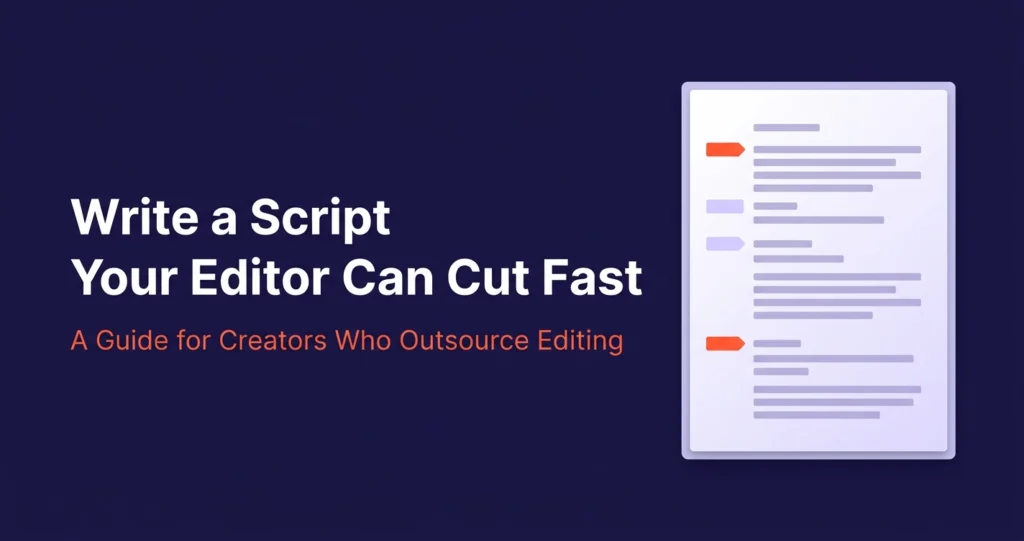
You don't need specialized software for this. A handful of consistent bracket tags, dropped directly into your script document, gives any editor — freelancer, agency, or dedicated — everything they need without a separate briefing call.
| Tag | What it tells your editor |
|---|---|
| [B-ROLL: description] | Cut away to this visual at this exact point |
| [BEAT] or [PAUSE] | Hold here — don't rush the cut through this moment |
| [TEXT ON SCREEN: ...] | Add this as an on-screen graphic/caption emphasis |
| [ZOOM] or [PUNCH-IN] | This line needs emphasis through a camera move or cut |
| [SFX: description] | A sound effect belongs here, not just music |
| [CUT TIGHT] | This section should move fast — trim any dead air aggressively |
Drop these inline, right where they apply — not as a separate notes section at the bottom of the document. An editor working top-to-bottom through your script should never have to flip back and forth between the dialogue and a disconnected notes page.
What a Tagged Script Section Actually Looks Like
"I used to think outsourcing meant losing control over my brand." [PAUSE]
[B-ROLL: messy timeline / stressed editing session]
"Turns out, the opposite was true." [PUNCH-IN]
[TEXT ON SCREEN: "It got MORE consistent"]
"Once I had one dedicated editor instead of a different freelancer every month..." [CUT TIGHT]
Why a Dedicated Editor Makes This Easier Over Time
A tagged script helps any editor. But it helps a dedicated editor compound faster — because after a handful of projects, they already know your default pacing, your typical B-roll style, and which moments you tend to want punched in. The tags stop being instructions and start being confirmation of what they already expected.
That's the real cost of constantly switching editors: every time you do, you reset that learning curve and pay the ramp-up tax all over again, no matter how well-tagged your script is.
"A good script doesn't just tell your audience what to think. It tells your editor exactly what to do — so the first cut is the only cut you need."
Before You Send Your Next Script
Quick Pre-Send Checklist
- Have you marked where B-roll, cutaways, or visual changes should happen?
- Are pacing cues ([BEAT], [PAUSE]) placed where the rhythm actually matters?
- Did you flag any line that needs visual emphasis (zoom, punch-in, on-screen text)?
- Are your tags inline with the dialogue, not in a separate notes section?
- Would a brand-new editor — with zero context on you — be able to follow this without a phone call?
That last question is the real test. If the answer is yes, your script just saved a revision round before the edit even started.
Stop Re-Explaining Your Vision Every Project
Get matched with a dedicated editor who learns your tags, your pacing, and your style — so every script gets cut right the first time.
Get a Free Test Edit →Dedicated editor from day one · 24-48hr turnaround · From $295/mo · No contracts